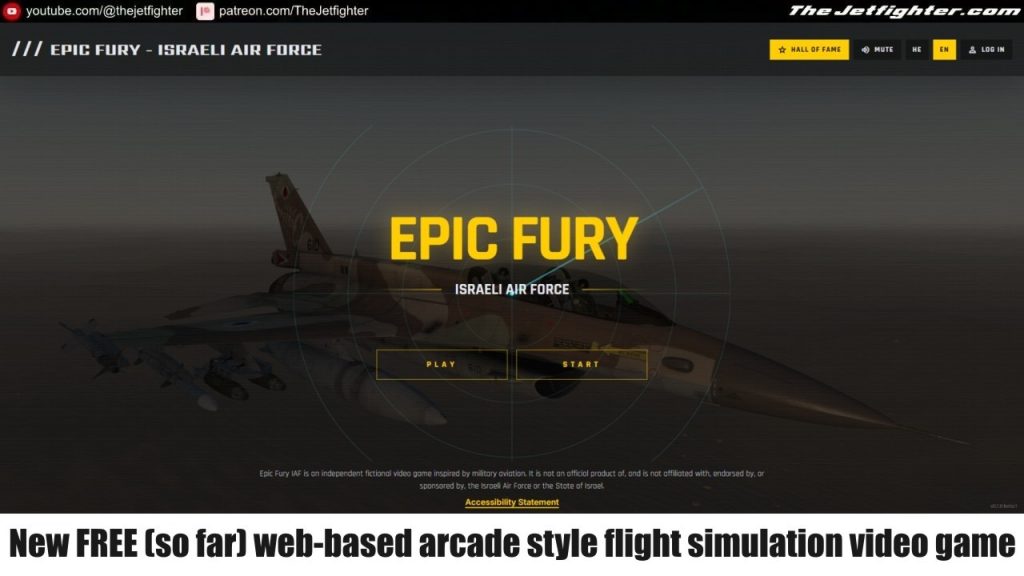
Epic Fury: Israeli Air Force is a browser-based combat flight game that puts players in the cockpit for a fictional mission to Iran, where the objective is to complete the flight safely and strike enemy military capabilities. Designed as an accessible, arcade-style experience, the game can be played directly in a web browser without installation, making it easy for newcomers to jump into the action.
The project is particularly interesting to flight simulation enthusiasts because its developer has a connection to the team behind Jane’s IAF: Israeli Air Force and is exploring the use of AI in game development. Although it is still a work in progress, Epic Fury is an intriguing project worth following for anyone interested in military aviation and browser-based flight games